|
Q6. What if I forgot my Access ID / password or how can a new employee at a facility get the login account that was used last year to submit the Tier II report? Forgot Access ID: You can retrieve the Access ID assigned to your account by clicking on the Forgot Access ID link on the E-Plan’s Online Tier II Reporting System login page at https://tier2.erplan.net. A page appears requesting the Submitter Email. Enter your email address that was entered on your account information. Click the “Submit” button. The system will send your Access ID information to you. Forgot Password: Once you get the Access ID in the email, you can retrieve the account password by clicking on the Forgot Password link. A page appears requesting the Access ID. Enter your Access ID and click the “Submit” button. The system will send a password reset message via email to you. Reset password link expires after 48 hours. *** Important note: If you are a new employee at a facility that filed Tier II data with E-Plan, you need to use Contact Us button on any E-Plan web page to obtain the Access ID and Password that was used by your facility to submit the Tier II report. On your request, you should provide your Facility Name and the full street address or state road, the city, county (or parish, island, or district), State or Territory, and zip code of the facility where the hazardous chemicals are located as well as the previous Submitter Name and Email. 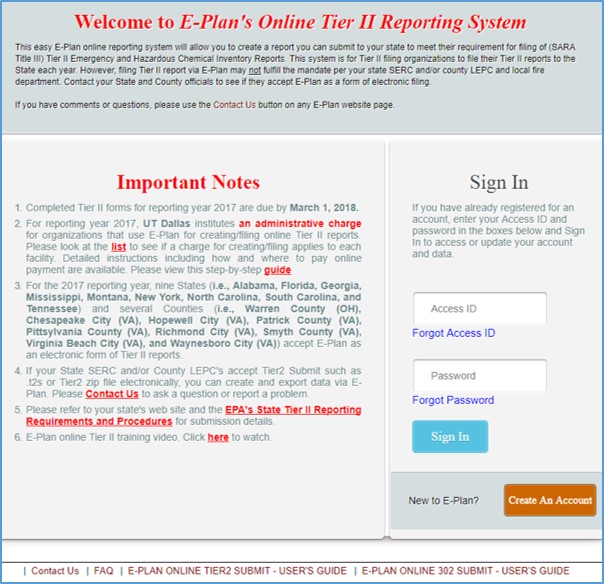
|